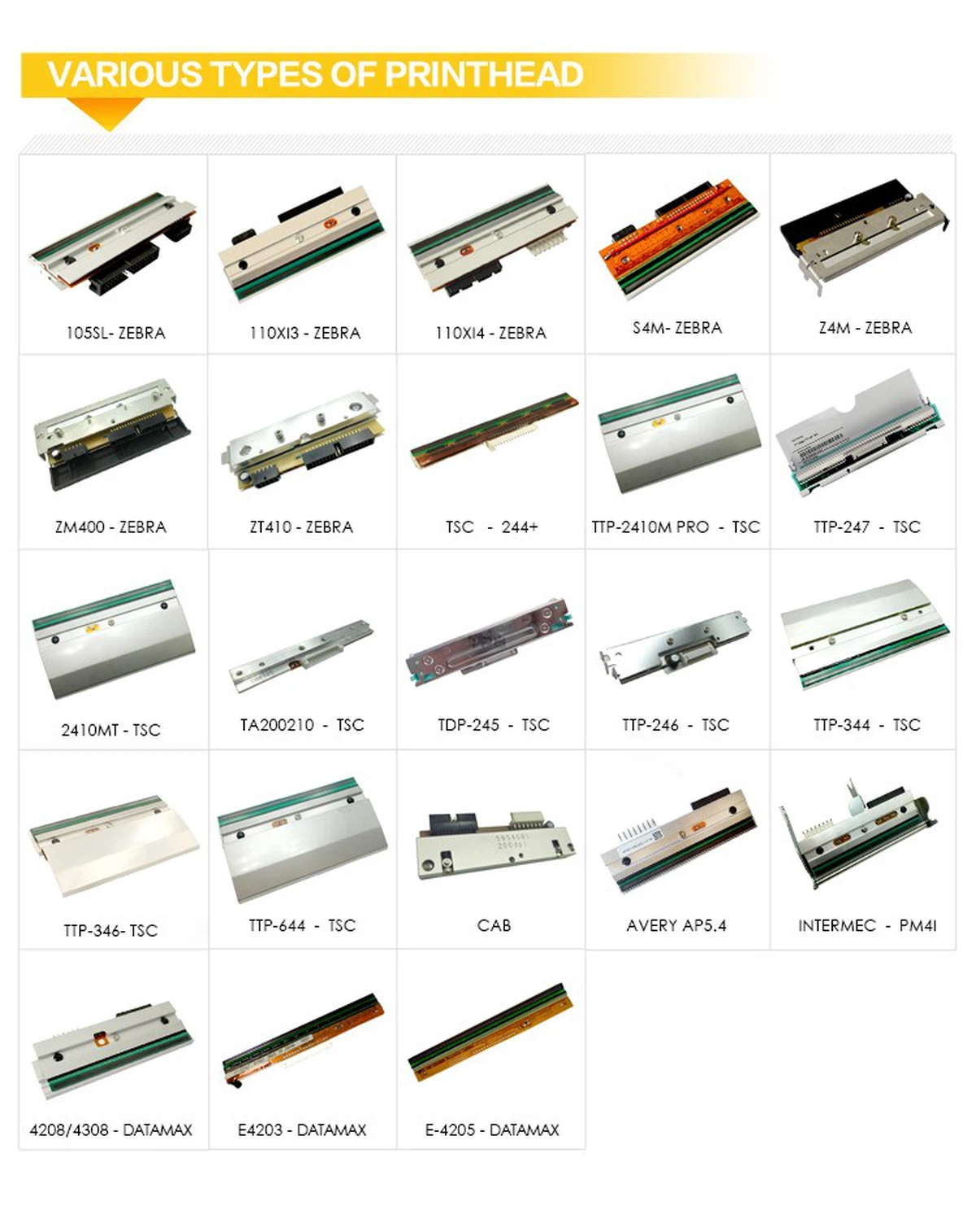
Thermal Print Head, Original For Dibal K355, D500, D900 203 Dpi

Thermal Print Head, Original For Dibal K355, D500, D900 203 Dpi

Thermal Print Head
Original
for Dibal K355 D500 D900
203 dpi
Thermal Printhead for Dibal
Printhead for Dibal
203 Dpi Thermal Printhead
Printing Head
Printer Head Spare Parts
Thermal Transfer Printer Head
Thermal Printer
Original Printer Head
Send Inquiry
Chat Now
Description

Product Description


Thermal Print Head, Original for Dibal is a rugged replacement piece made to fit Dibal's  series industrial printers. Pick from direct-thermal or thermal-transfer types, with resolutions at 203 dpi so it pumps out sharp text, clean graphics, and crisp barcodes, no matter what the task calls for.

ZT410 200DPI
ZT410 200DPI
ZT410 thermal printhead 1001
ZT410 203DPI
ZT410 thermal printhead 3
ZT410 300DPI
ZT410 411 203DPI 5
ZT410 411 203dpi
ZT410 411 300dpi 4
ZT410 411 300DPI
ZT410 thermal printhead 4
ZT410 600DPI


1. Clear Prints

Heat spreads evenly across the surface, so barcodes pop with sharp contrast, small fonts stay legible, and fine graphics hold their detail-even at 600 dpi.

2. Goes the Distance

The heating elements are backed by ceramic, so they stand up to the grind of heavy media use-rated to print millions of linear inches before needing a swap. Built-in heat-sink channels spread out warmth evenly, too, so hotspots don't wear it down early.

3. Swap It Fast, No Tools Needed

It drops right in, lining up with the printer's guides perfectly-no tools required. That means quick swaps and barely any downtime. The printer's software automatically figures out the new printhead's specs, calibrating the dot counts in a flash.

4. Tough Enough for the Factory Floor

It's got a reinforced connector case and shock-absorbing mounts, so it handles vibrations, bumps, and temperature swings (it works fine between 5°C and 40°C). The contacts resist rust, too, so electrical performance stays steady even in damp, dusty spots.

5. Keeps Production Rolling

Warms up fast and gets back to work quickly after a swap, so lines don't slow down. And since it doesn't need replacing often, you spend less time on maintenance and more on getting things done.

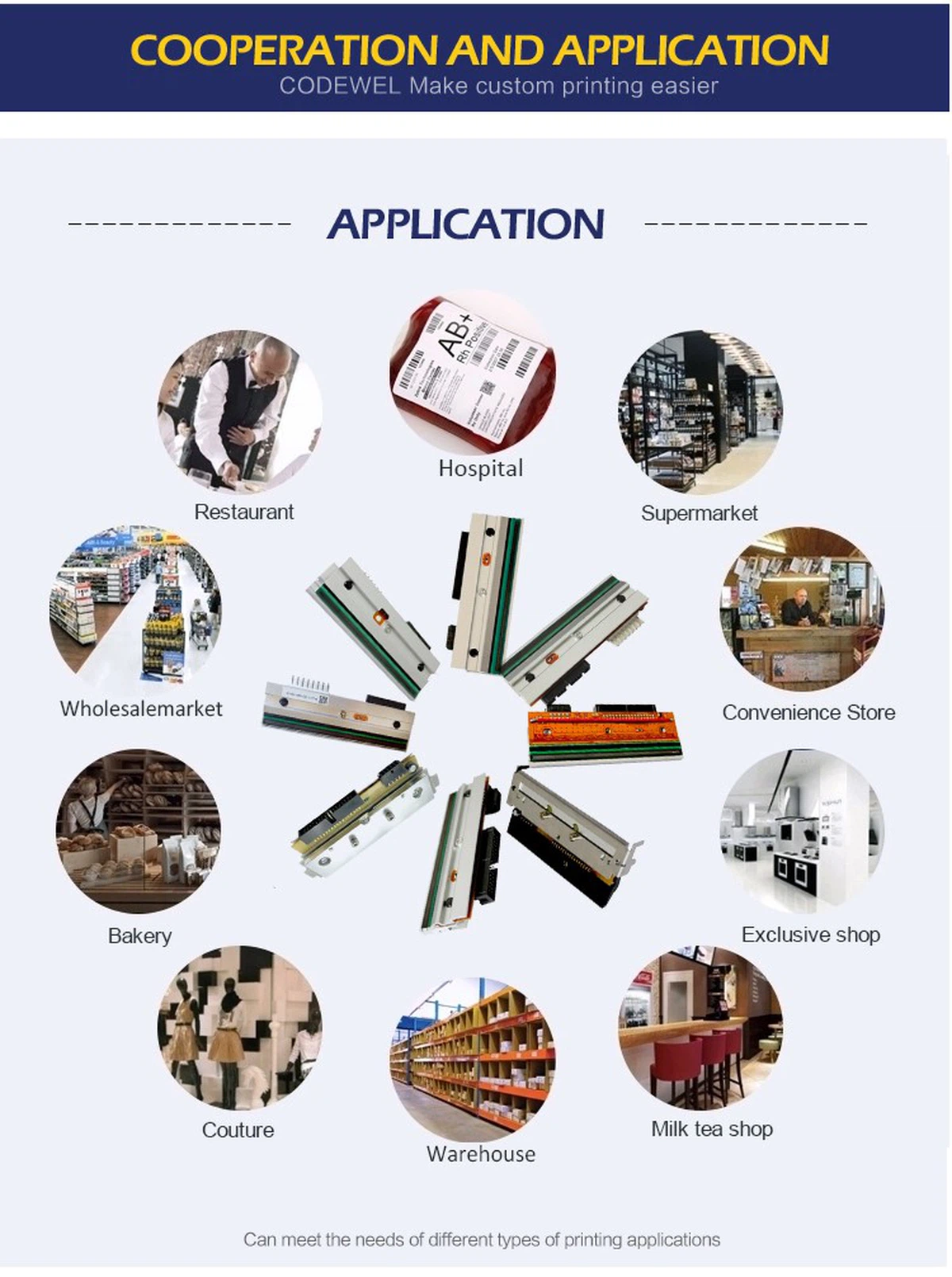
Product Applications


product-750-1006


Recommended Products For You


product-750-946


Contact Us


Welcome to contact us for more information of Zebra 105SL 203dpi 300dpi Printhead !!

Company Profile


Hangzhou Global Printing Technology Co., Ltd. is in Hangzhou, China and is a globally manufacturer of high-quality thermal print heads with ISO9001/SGS certification. We offer original and compatible barcode print heads, including over 30 globally renowned brands such as Zebra, TSC, Honeywell/Lindermec, Markem, etc, with reliable quality. Our core mission of 'making printing easier' guides our commitment to simplifying printing technology.


Our Strength

product-1136-355


Advantages


Global market layout

Our clients are spread across Europe, America, the Middle East, and Asia, providing services to over 100 countries.


Certification and R&D

With the support of ISO 9001/SGS, our R&D team excels in integrating supply chain resources and providing customized solutions for customers.


End to end support

providing a truly one-stop solution, including consulting, production, testing, and consumables/software development.


OEM and Compatibility

A reliable supply partner for leading brands and high-quality compatible print head suppliers.


Our Cooperation Brand


product-1132-805

Our Certificates


product-750-482

Exhibitons And Customers


product-750-550

Shipment & Payment


product-750-970

FAQ


Q: 1.What are the main types of print heads?

A: Flat head (ordinary): Fixed position, used in conjunction with the paper roller. Most industrial printers.
Near edge: Slightly close to the medium during printing to achieve better contact. Commonly seen in mid-range printers.
Corner edge: A specific printer used for the print head to make precise angular contact with the medium.

Q: 2.What is the cause of print head malfunction?

A: Typical explanations include:
Dust, label fragments, and adhesive buildup on damaged fine surfaces are examples of wear and dirt.
Overheating may be caused by thermistor malfunction, insufficient airflow, or continuous high-density printing.
Pollution: Accumulation of residual ink, glue, or cleaning solution on parts.
Improper handling during installation or cleaning can lead to electrostatic discharge (ESD).
Collisions, scratches from sharp objects, or incorrect pressure adjustments are all examples of mechanical damage.
Normal wear and tear: Over time, the heating element will gradually deteriorate.

Q: 3.How often should I clean the print head?

A: Continuous cleaning! The environment and usage determine the frequency:
High usage/dusty: Change the ribbon daily or as much as possible.
Moderate use: once a day or every two to three rolls.
Low usage rate: Complete important tasks once a week or before.
Continuously: If there is fading, gaps, or stripes, please clean the printed material.

Q: 4. How to clean the print head correctly?

A: Unplug and turn off the printer. Allow the head to cool.
Open the media/ribbon channel and printer cover.
Make use of premium, lint-free cotton swabs (such polyester or foam).
Apply a small amount of approved print head cleaner (usually over 90% isopropanol) onto the swab - do not spray directly onto the print head.
Gently wipe the surface of the print head in one direction (parallel to the element row). Apply the minimum pressure. Avoid using abrasives!
Use a dry swab to remove residue. Ensure it is completely dry before closing.
Simultaneously clean the paper roller and label/ribbon path.


Hot Tags: thermal print head, original for dibal k355, d500, d900 203 dpi, China thermal print head, original for dibal k355, d500, d900 203 dpi manufacturers, suppliers, NCR 7167 7197 Printhead, other printhead, Wincor TH2200E Printhead, Gprinter GP 2120TU Printhead, HPRT R42P Printhead, HPRT IX4P Printhead

Send Inquiry