Sato M8490S M8490SE Printhead

Sato M8490S M8490SE Printhead

Model:Sato M8490S M8490SE
Resolution:300dpi
P.N.:GH000831A
Type:Original or Compatible, please contact to get more information
Warranty:30km/3 months for original;50km/5 months for compatible
MOQ:1PCS
Send Inquiry
Chat Now
Description

Product Description


SATO M8490S M8490SE printheads (OEM part number GH000831A) are original SATO thermal printing modules designed specifically for CL412, M8490S, and M8490SE label printers. Its resolution is 300dpi, which can produce clear and high contrast printing effects, making it ideal for small element barcodes, fine text, and compliant labels that require precision and readability.


SATO M8490S M8490SE printheads are designed for light and medium industrial use, ensuring consistent output quality even under continuous operation.


Each print head is transported in anti-static and protective packaging to prevent contamination and electrical damage during storage and handling, thereby protecting the integrity of the print head before installation and extending its service life.


Replacement is also very simple, lightweight, with a plug and play design that allows for quick and pollution-free replacement without the need for tools

product-760-760


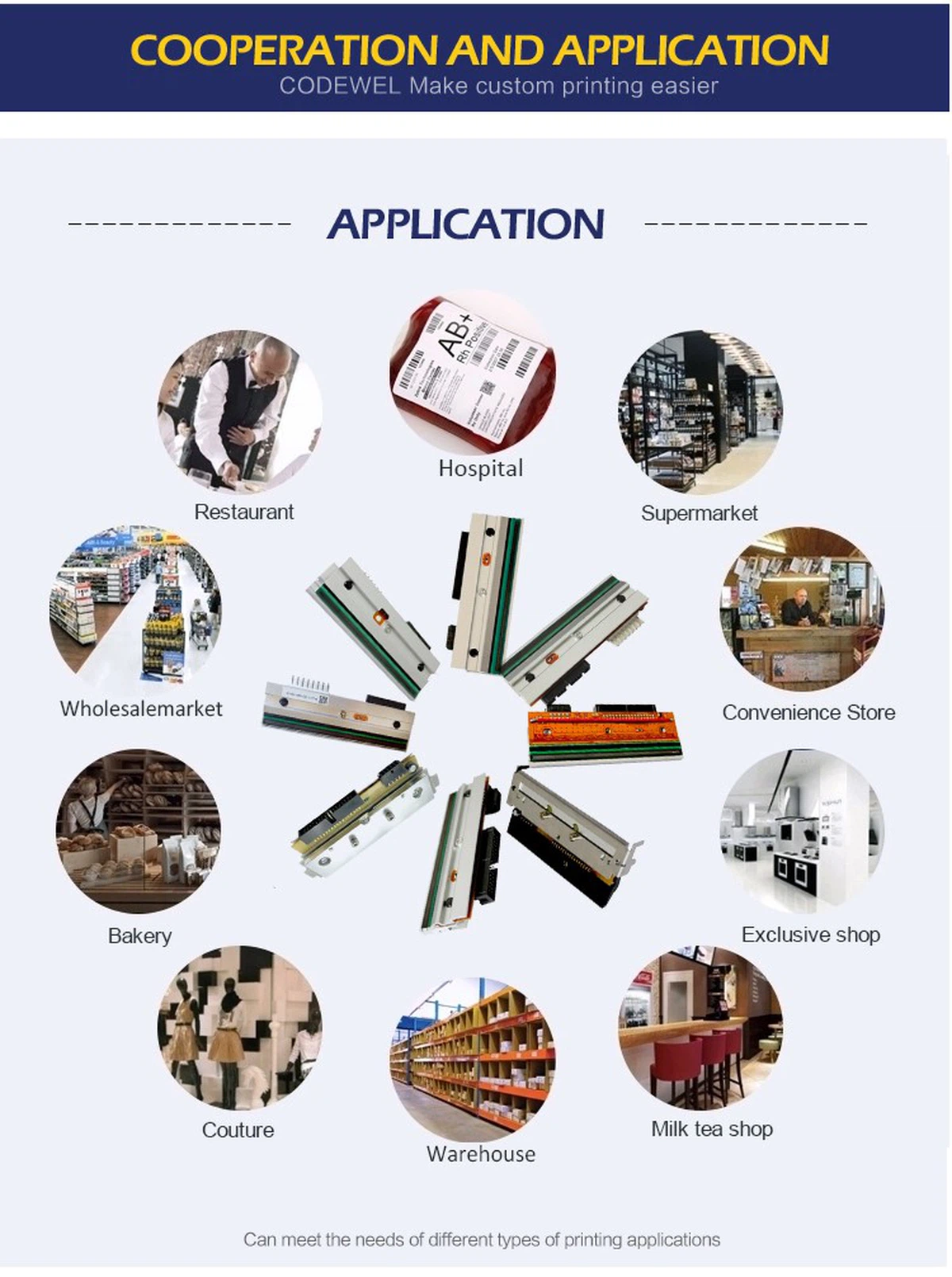
Product Applications


product-750-1006


Recommended Products For You


product-750-946

Welcome to contact us for more information of Datamax M-4306 300dpi Printhead !!


Company Profile


Hangzhou Global Printing Technology Co.,LTD is a global manufacturer of barcode printhead. Where precision meets profitability. We provide both compatible and original printheads. Our SGS-certificated production equipment make sure the pass rate of thermal printheads more than 73%+. We also supply original printheads like Zebra, TSC, Videojet, Datamax, Citizen, Intermec, etc.


Our Strength

product-1136-355


Strategic Advantages


Certified Authenticity

Original printheads cover a full range of brands


More then 20 years experience

Advanced production technologies and rigorous product testing


Profit-Focused Compatibles

30-100% margin expansion with quality assurance


Warranty Guarantee

30km or 3 months warranty for original printheads, 50km or 5 months warranty for compatible printheads


Our Cooperation Brand


product-1132-805

Our Certificates


product-750-482

Exhibitons And Customers


product-750-550

Shipment & Payment


product-750-970

FAQ


Q: 1.What are the main types of print heads?

A: Flat head (ordinary): Fixed position, used in conjunction with the paper roller. Most industrial printers.
Near edge: Slightly close to the medium during printing to achieve better contact. Commonly seen in mid-range printers.
Corner edge: A specific printer used for the print head to make precise angular contact with the medium.

Q: 2.What is the cause of print head malfunction?

A: Typical explanations include:
Dust, label fragments, and adhesive buildup on damaged fine surfaces are examples of wear and dirt.
Overheating may be caused by thermistor malfunction, insufficient airflow, or continuous high-density printing.
Pollution: Accumulation of residual ink, glue, or cleaning solution on parts.
Improper handling during installation or cleaning can lead to electrostatic discharge (ESD).
Collisions, scratches from sharp objects, or incorrect pressure adjustments are all examples of mechanical damage.
Normal wear and tear: Over time, the heating element will gradually deteriorate.

Q: 3.How often should I clean the print head?

A: Continuous cleaning! The environment and usage determine the frequency:
High usage/dusty: Change the ribbon daily or as much as possible.
Moderate use: once a day or every two to three rolls.
Low usage rate: Complete important tasks once a week or before.
Continuously: If there is fading, gaps, or stripes, please clean the printed material.

Q: 4. How to clean the print head correctly?

A: ①Unplug and turn off the printer. Allow the head to cool.
②Open the media/ribbon channel and printer cover.
③Make use of premium, lint-free cotton swabs (such polyester or foam).
④Apply a small amount of approved print head cleaner (usually over 90% isopropanol) onto the swab - do not spray directly onto the print head.
⑤Gently wipe the surface of the print head in one direction (parallel to the element row). Apply the minimum pressure. Avoid using abrasives!
⑥Use a dry swab to remove residue. Ensure it is completely dry before closing.
⑦Simultaneously clean the paper roller and label/ribbon path.


Hot Tags: sato m8490s m8490se printhead, China sato m8490s m8490se printhead manufacturers, suppliers, Sato CL412NX Printhead, Sato S84EX Printhead, Sato CL424NX Printhead, sato printhead, Sato CL 408 CL 408e LM408e Printhead, Sato CL612E Printhead

Send Inquiry